
IPTV Player Apps UK helps UK viewers make informed decisions about compatible devices and authorised streaming services. Learn what a player does, how to compare options and what to check before installation.
Use the sections below to find detailed instructions and related articles. If you are new to internet television, begin with our IPTV guides UK hub.
Player app versus subscription
An IPTV player app is a software interface for playing compatible streams and browsing programme data. It usually does not provide licensed channels on its own. Access depends on a separate lawful service and its supported authentication method.
Related reading
Compare compatibility and usability
Check support for your device, remote-control navigation, subtitles, accessibility features and EPG display. Consider whether the publisher maintains the app and publishes a clear privacy policy. A polished interface cannot compensate for unsupported formats.
Related reading
Check supported account formats
Some players accept M3U playlist URLs, while others accept account credentials and a server address. The correct format depends on the application and your provider. Never publish playlist URLs or account details.
Related reading
Troubleshoot an app that will not play
Update the app, restart the device and test your internet connection. Check whether the issue affects one stream or all playback. If login fails, verify the provider’s instructions and contact support.
Related reading
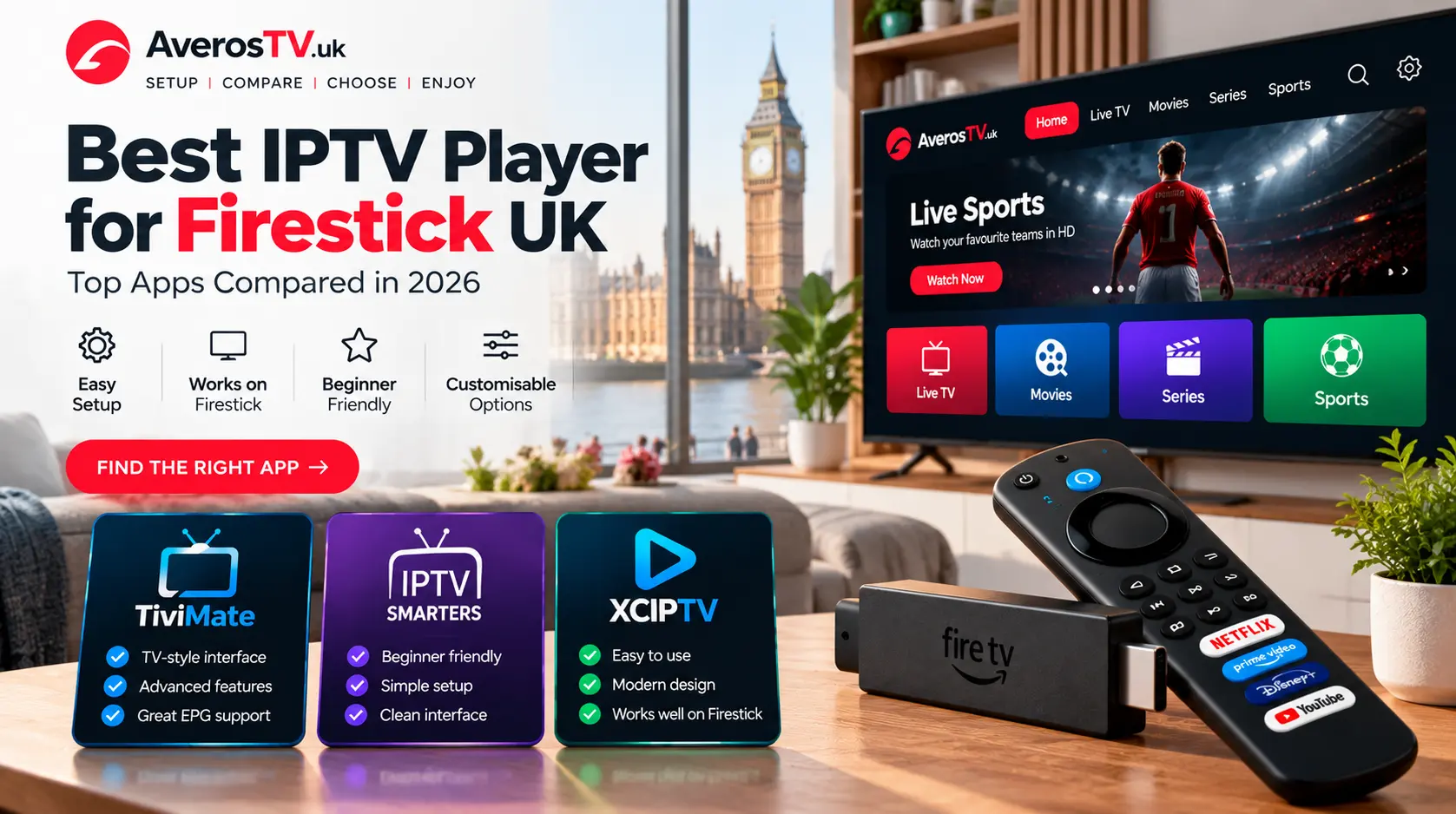
How to compare IPTV player apps UK
When evaluating IPTV player apps UK users should separate the app from the streaming service. The app is a tool for presenting media and programme information; it does not by itself supply licensed channels or permission to view copyrighted content. Always verify the source of the content and the terms of your subscription.
Look for a publisher with a clear product identity, update history and privacy information. On televisions and streaming sticks, remote-control navigation is especially important. On phones and tablets, consider whether the interface works well with touch controls and whether captions or accessibility settings are supported.
Questions to ask before installing
Does the player run on your exact operating system? Does it support the playlist or login format your provider issues? Can it display an electronic programme guide if one is available? Can you find support documentation from the app publisher? Answering these questions first can save time and prevent avoidable setup problems.
A player with many features is not necessarily the best fit. A simpler app that is actively maintained and compatible with your device can be easier to use. Do not download unofficial modified applications merely because they promise extra channels or unlocked features; such packages may create security and privacy risks.
Independent resources
For further background, consult UK National Cyber Security Centre guidance. This independent resource is not an endorsement of AverosTV or any IPTV subscription.
Before you order
Check compatibility, content rights, connection allowances, payment terms and support before buying any subscription. Compare AverosTV plans, review the frequently asked questions, or contact support if you need help. Player software and third-party brands mentioned in these guides are independent of AverosTV unless expressly stated otherwise.