
IPTV Guides UK helps UK viewers make informed decisions about compatible devices and authorised streaming services. Find the right guide for your device, streaming app or subscription decision.
Use the sections below to find detailed instructions and related articles. If you are new to internet television, begin with our IPTV guides UK hub.
Choose a reliable IPTV service in the UK
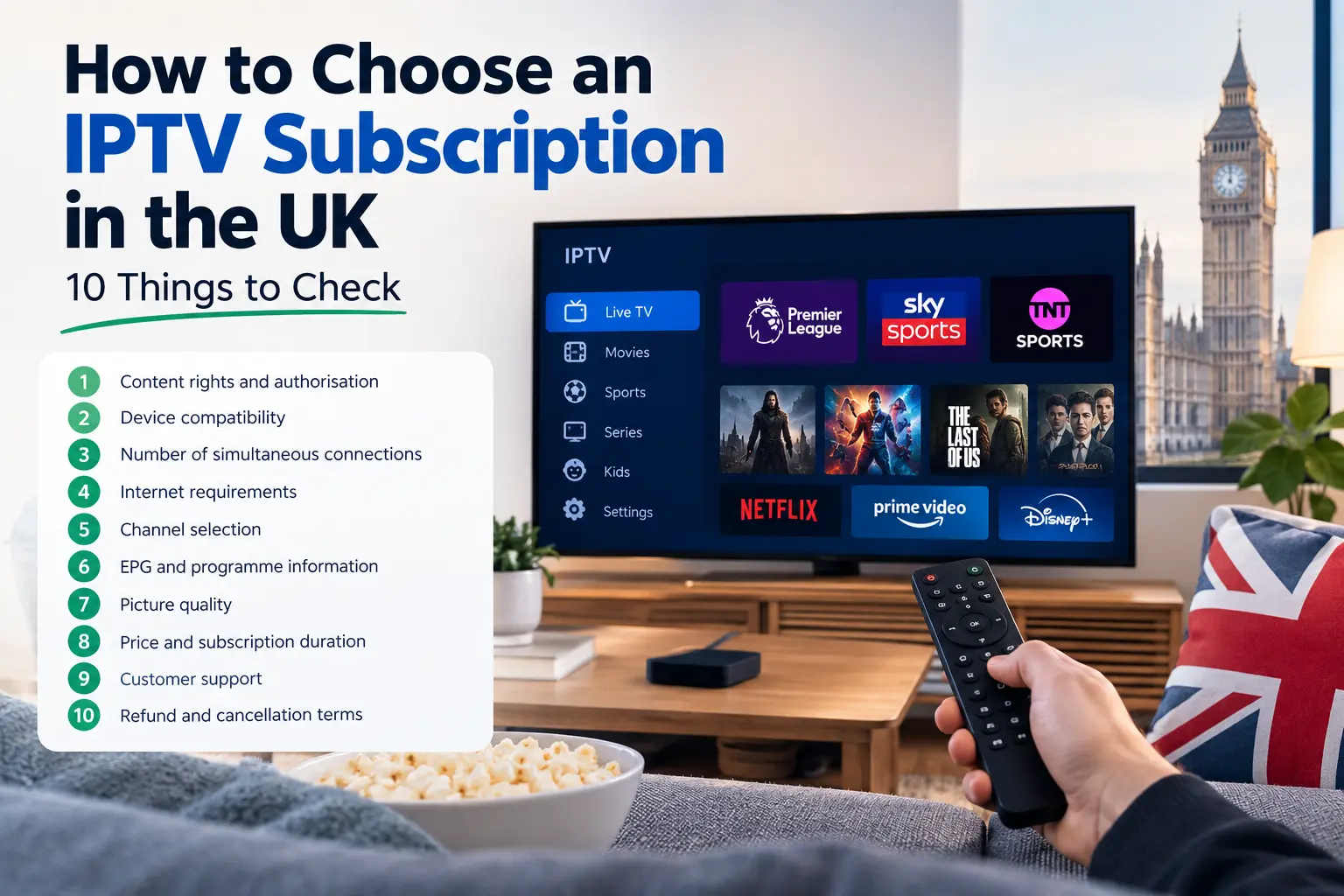
Start with your viewing needs rather than a headline channel count. Check content rights, compatible devices, transparent subscription terms, refund policy and the number of simultaneous connections. Compare the actual total cost before ordering.
Related reading
Set up a compatible device
Your television or streaming stick determines which applications you can install. Confirm the model and operating system, use trusted app stores and follow the provider’s supported setup method. Avoid unknown installation packages.
Related reading
Choose a player and configure it
Player software and content subscriptions are different products. Confirm which playlist or login format the app supports, then enter credentials privately and check whether programme-guide information loads.
Related reading
Fix playback problems
Buffering may come from a weak Wi-Fi signal, device limitations or an app issue. Test the network and device before changing your account configuration. Document error messages when contacting support.
Related reading
Understand features and connections
One installed app does not necessarily mean one allowed simultaneous stream. Check how connection limits, EPG information and picture-quality options work before selecting a plan.
Related reading
How to use these IPTV guides UK
Begin with the question you need to answer today. If you have not chosen a service, read the buying guide and compare device compatibility, connection allowances and the full price. If you already have an authorised subscription, start with the device hub and then follow the instructions for the player your provider supports.
For UK households, the practical difference between one and several simultaneous streams matters more than the number of devices you own. A single connection may be sufficient for one viewer, while households with two active televisions should confirm the permitted concurrent-stream count before ordering.
Choosing between setup and troubleshooting articles
Setup guides explain what to prepare before the first login. Troubleshooting guides are for a device or player that has already been configured but is not working as expected. When a stream buffers, first check the internet connection and device performance. When the programme guide is blank, investigate EPG settings instead of reinstalling everything.
These guides are educational and do not replace the instructions supplied by an app publisher or authorised content provider. Availability of applications and features can vary between Fire TV, Android TV, Samsung and LG platforms. Check the current documentation for your exact device model.
Independent resources
For further background, consult Ofcom, the UK’s communications regulator. This independent resource is not an endorsement of AverosTV or any IPTV subscription.
Before you order
Check compatibility, content rights, connection allowances, payment terms and support before buying any subscription. Compare AverosTV plans, review the frequently asked questions, or contact support if you need help. Player software and third-party brands mentioned in these guides are independent of AverosTV unless expressly stated otherwise.