
IPTV Troubleshooting UK helps UK viewers make informed decisions about compatible devices and authorised streaming services. Diagnose playback and guide problems methodically without exposing your account details.
Use the sections below to find detailed instructions and related articles. If you are new to internet television, begin with our IPTV guides UK hub.
Start with the symptom
IPTV troubleshooting is faster when you separate buffering, login errors, missing EPG data and device compatibility. Write down the error message, device model, player version and whether other internet apps work.
Related reading
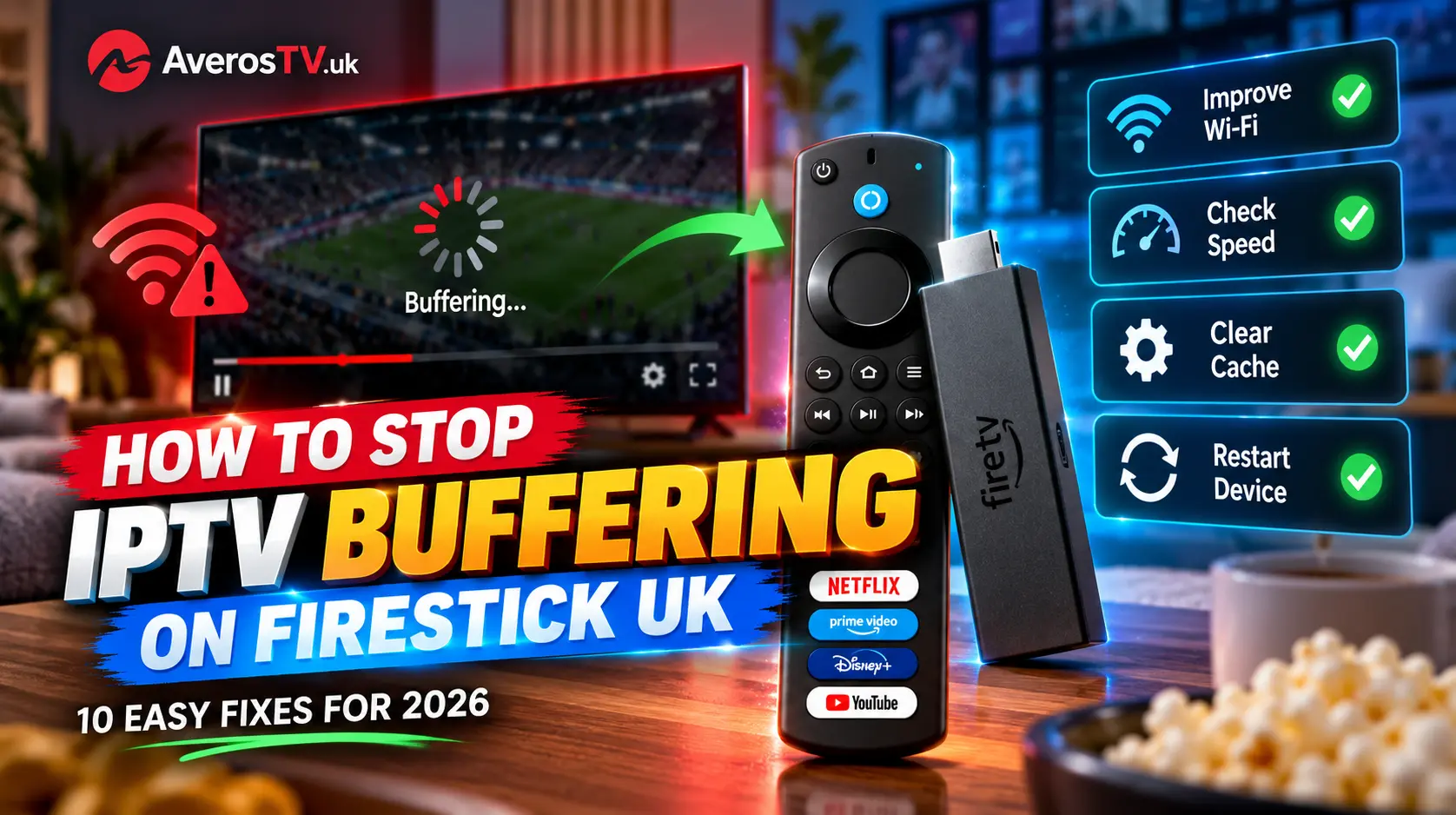
Fix buffering and freezing
Restart the app and device, check broadband stability and test Wi-Fi signal strength. Pause large downloads and try a wired connection if supported. If only one application is affected, check its updates and cache guidance.
Related reading
Investigate missing channels or guide data
Confirm that your subscription and playlist are current, then check the provider’s supported app settings. For a missing EPG, refresh the guide and verify the device’s date and time. Do not install random third-party fixes.
Related reading
Check connection limits and ask for help
If playback works on one TV but fails when a second starts, review the number of simultaneous streams in your plan. Share diagnostic details with support, but never send passwords in public forums.
Related reading
IPTV troubleshooting UK: a step-by-step diagnosis
For effective IPTV troubleshooting UK viewers should identify whether the fault is with the network, device, application or authorised service. Start by opening a different internet application on the same device. If that also fails, investigate broadband or Wi-Fi before changing any streaming settings.
If other apps work normally, restart the affected player and check for updates. Note whether the problem occurs with every stream or only one. A single failing source may need attention from the content provider, whereas widespread freezing may point to a device or connectivity issue.
Buffering, EPG and login errors are different problems
Buffering is commonly associated with unstable throughput, congestion or device performance. A missing electronic programme guide may require a refresh or corrected guide settings. Login errors call for checking account status and the supported authentication format. Treating these as separate symptoms avoids unnecessary reinstallations.
When contacting support, share the device model, app version, approximate time and exact error message. Do not send payment-card details, passwords or private playlist links in public messages. If the issue began after a software update, mention that change because it may help identify compatibility problems.
Independent resources
For further background, consult Ofcom broadband information. This independent resource is not an endorsement of AverosTV or any IPTV subscription.
Before you order
Check compatibility, content rights, connection allowances, payment terms and support before buying any subscription. Compare AverosTV plans, review the frequently asked questions, or contact support if you need help. Player software and third-party brands mentioned in these guides are independent of AverosTV unless expressly stated otherwise.